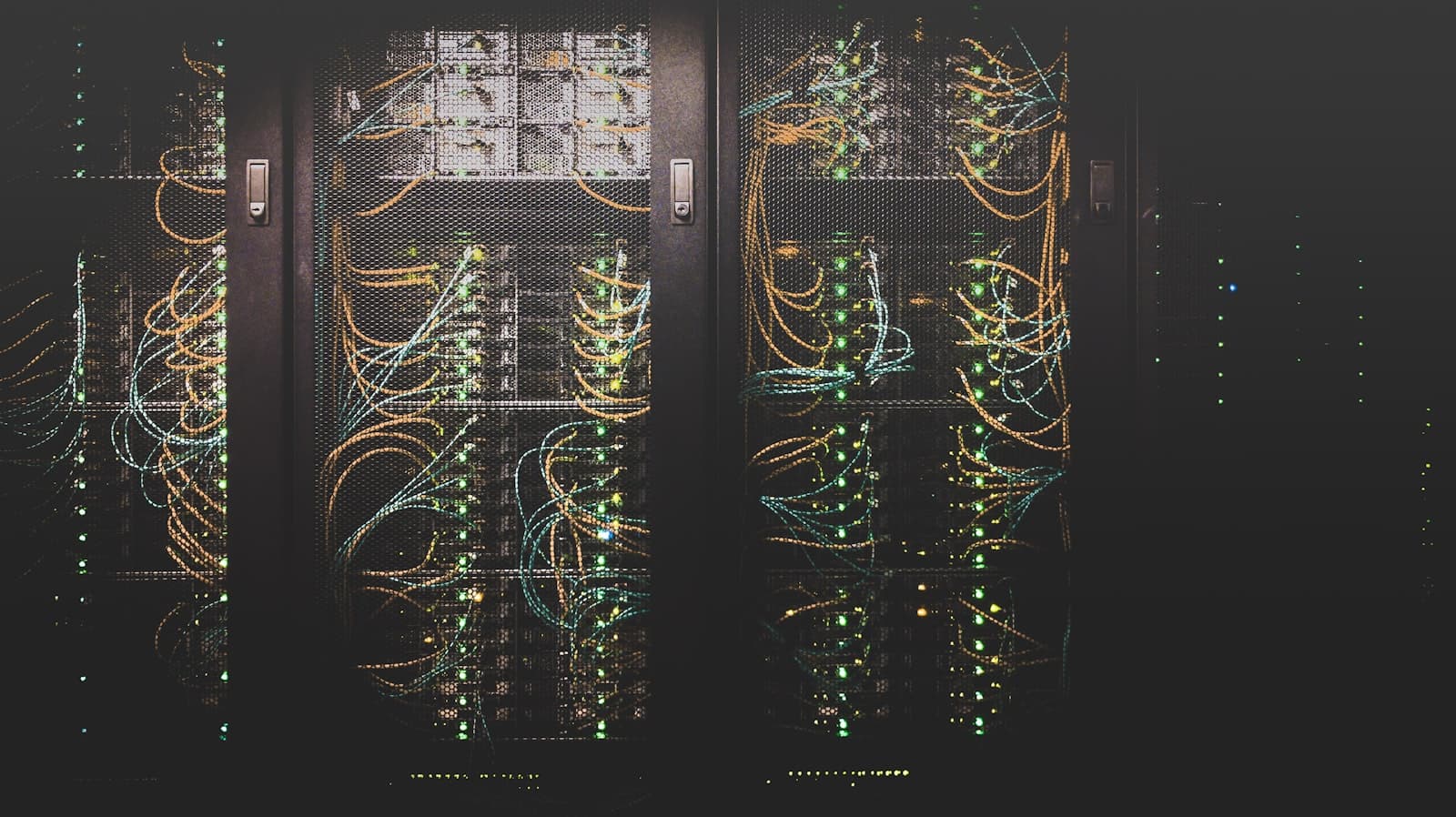
Ask why a business should virtualize and you'll usually hear "fewer servers." True — but incomplete. Consolidation is only the first of four savings engines, and for many organizations it isn't even the largest one.
Here's where the money actually is, and how to estimate it for your environment.
Engine 1: Hardware utilization
A typical non-virtualized server runs at 10–20% average CPU utilization. You paid for the whole machine; you use a fifth of it. Virtualization pools that stranded capacity.
Realistic consolidation ratios for mixed business workloads run 6:1 to 12:1 — a dozen ageing physical servers collapsing onto two or three modern hosts (plus one for failover). The savings compound:
- Fewer servers to buy and refresh every 4–5 years
- Fewer hardware support contracts
- Less rack space — sometimes an entire room reclaimed
Engine 2: Power and cooling
Every watt a server draws is paid for twice — once to run it, once to cool it. In Indian commercial rates, one always-on physical server typically costs ₹25,000–₹50,000 per year in electricity alone once cooling overhead is included.
Cut ten servers to three and the utility line item drops proportionally, every month, forever. For organizations with on-premises server rooms, this is frequently the fastest payback of the entire project.
Engine 3: Recovery time (the savings nobody budgets)
With physical servers, recovering from hardware failure means procurement, reinstallation, and restoration — often days. A virtualized environment changes the physics:
- Host failure: VMs restart automatically on surviving hosts in minutes.
- Planned maintenance: live-migrate workloads and patch hosts with zero downtime.
- Disaster recovery: replicate VMs to a second site or cloud and fail over in hours, not weeks.
Put a number on your downtime — even a conservative ₹50,000/hour for a mid-size business — and recovery improvements often dwarf the hardware savings.
Engine 4: Provisioning speed
A new physical server takes weeks: quote, PO, delivery, racking, install. A new VM takes minutes from a template. That speed changes behaviour — test environments get created (and deleted) freely, projects stop queueing behind procurement, and IT stops being the bottleneck it never wanted to be.
What it costs (honesty section)
Virtualization isn't free, and a credible business case includes:
- Hypervisor and management licensing — though capable open-source and bundled options (Proxmox, Hyper-V, VMware alternatives) have made this far more competitive since 2024's licensing upheavals.
- Shared storage — the enabler for live migration and fast recovery. Budget for it; it's where corners must not be cut.
- Design and migration effort — sizing hosts, planning failover capacity (N+1), and migrating workloads without business disruption.
- Skills — either training your team or partnering with someone who runs these platforms daily.
A worked example
A 40-person manufacturer running 10 physical servers (file, ERP, mail relay, CCTV, attendance, and assorted apps):
| Item | Before | After (3 hosts + storage) |
|---|---|---|
| Server refresh (5-yr amortized) | ₹8–10 L | ₹5–6 L |
| Power & cooling / year | ₹3.5–4 L | ₹1.2–1.5 L |
| Hardware failure recovery | 2–5 days | 5–15 minutes |
| New server provisioning | 3–6 weeks | Under 1 hour |
Typical payback lands in 18–30 months on hard costs alone — before counting a single avoided outage.
The bottom line
Don't buy virtualization because it's modern; buy it because stranded capacity, electricity, downtime, and waiting are all real costs you're already paying. Measure those four numbers in your environment first — then the decision usually makes itself.